What a VPN hides, and what it doesn't
A VPN changes who can see your traffic, not whether anyone can. Knowing exactly what moves from your provider to the VPN company is the difference between a useful tool and a false sense of privacy.
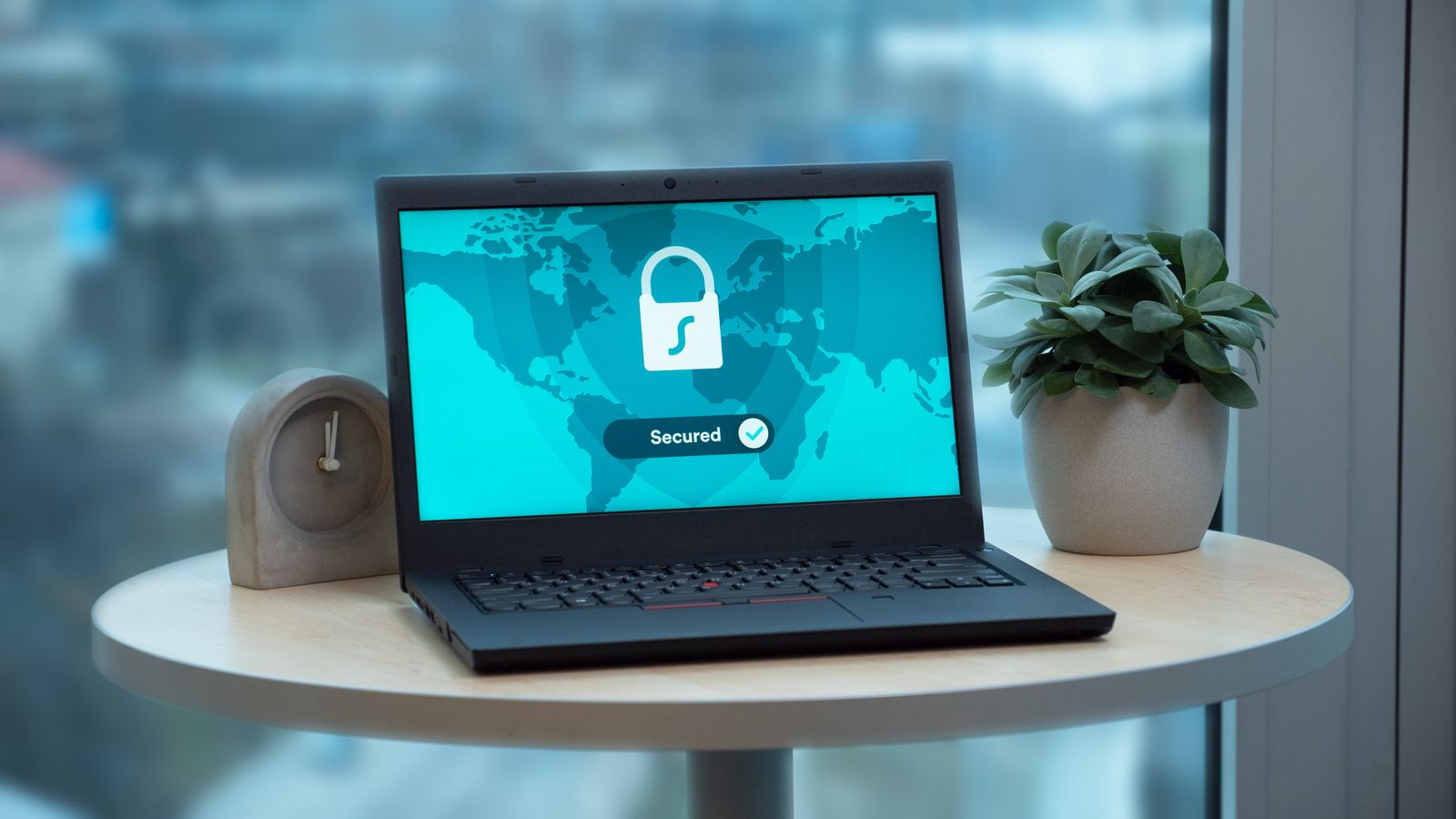
A VPN creates an encrypted tunnel between your device and a server run by the VPN company. Everything you send goes through that tunnel, and only then out onto the wider internet. That's genuinely useful, but it's a narrower thing than the word "privacy" suggests.
The most helpful way to think about it: a VPN doesn't make your traffic invisible. It moves visibility from one party — usually your broadband or mobile provider — to another, the VPN company. Whether that's an improvement depends on who you trust more, and what you were worried about in the first place.
What your traffic looks like without a VPN
Most websites and apps now use HTTPS, which encrypts the content of what you send and receive. Your internet provider can't read your messages, see the pages you view, or capture what you type into forms on an HTTPS site.
What they can usually see is which sites you connect to. The domain name tends to leak through DNS lookups (the step where your device asks where a website lives) and through a field in the connection handshake. They also see when you connect, and roughly how much data moves. So can whoever runs the Wi-Fi you're on.
Websites, in turn, see your IP address, which reveals your provider and an approximate location, usually to the level of a town or region.
What changes when you switch one on
| Who is watching | Without a VPN they see | With a VPN they see |
|---|---|---|
| Your internet provider or Wi-Fi operator | The sites you visit, when, and how much data | That you're connected to a VPN, and how much data |
| The VPN company | Nothing | What your provider used to see: sites visited, times, volume |
| Websites you visit | Your real IP address and rough location | The VPN server's IP address and location |
| Accounts you're signed in to | Everything you do in them | Everything you do in them |
The second row is the one people skip. The VPN company sits exactly where your provider used to. If it keeps logs, it can know as much about your browsing as your provider could. That's why the provider's logging policy, who owns it, and which country's laws it operates under matter more than headline encryption claims. An independent audit of a no-logs claim means more than a promise on a homepage.
What a VPN doesn't hide
Anything you're signed in to. If you're logged in to an email, shopping or social account, that company knows it's you regardless of your IP address. Search history saved to your account stays saved to your account.
Cookies and tracking. Advertising cookies, tracking pixels and browser fingerprinting identify your browser, not your IP address, so they carry on working through a VPN. Browser privacy settings and clearing cookies do more here than a VPN does.
Malware and phishing. A VPN doesn't scan downloads or check whether a login page is fake. A convincing phishing email works just as well over a VPN connection.
Your device's own activity. Apps that report data back to their makers still do. Location services on a phone use GPS and nearby Wi-Fi networks, not just your IP address, so a VPN server abroad won't change what a maps app knows about where you are.
Where a VPN is genuinely useful
- Untrusted networks. On hotel, airport or café Wi-Fi, a VPN stops the network operator seeing which sites you use. HTTPS already protects the content, so the gain is smaller than it once was, but it's real. How risky public Wi-Fi actually is covers the wider picture.
- Keeping browsing from your provider. If you'd rather your broadband company didn't have a list of sites you visit, a VPN moves that list elsewhere.
- Hiding your IP address from sites. Useful if you don't want a website, a forum or a peer-to-peer connection to see your home IP.
Checks worth doing once it's set up
A VPN only helps if traffic actually goes through it. Three things to check in the app's settings, or with a leak test page once connected:
- Kill switch. This blocks internet access if the VPN connection drops, so traffic doesn't quietly fall back to your normal connection. It's often off by default.
- DNS leaks. If DNS lookups still go to your internet provider, the list of domains you visit leaks around the tunnel. A DNS leak test should show only the VPN's servers.
- IPv6 and WebRTC leaks. Some setups protect IPv4 traffic but not IPv6, and browsers can reveal your real address through WebRTC. Leak test pages check both.
Expect some slowdown, since traffic takes a longer route and gains an extra layer of encryption; why a VPN slows your connection explains how much is normal. And if you're unsure about billing, auto-renewal or refunds, those questions go to the VPN provider directly — it's the company that runs the service and takes the payment.
Used with those limits in mind, a VPN is a sensible tool for specific jobs. It just isn't an invisibility cloak, and treating it as one is where the false sense of privacy comes from.